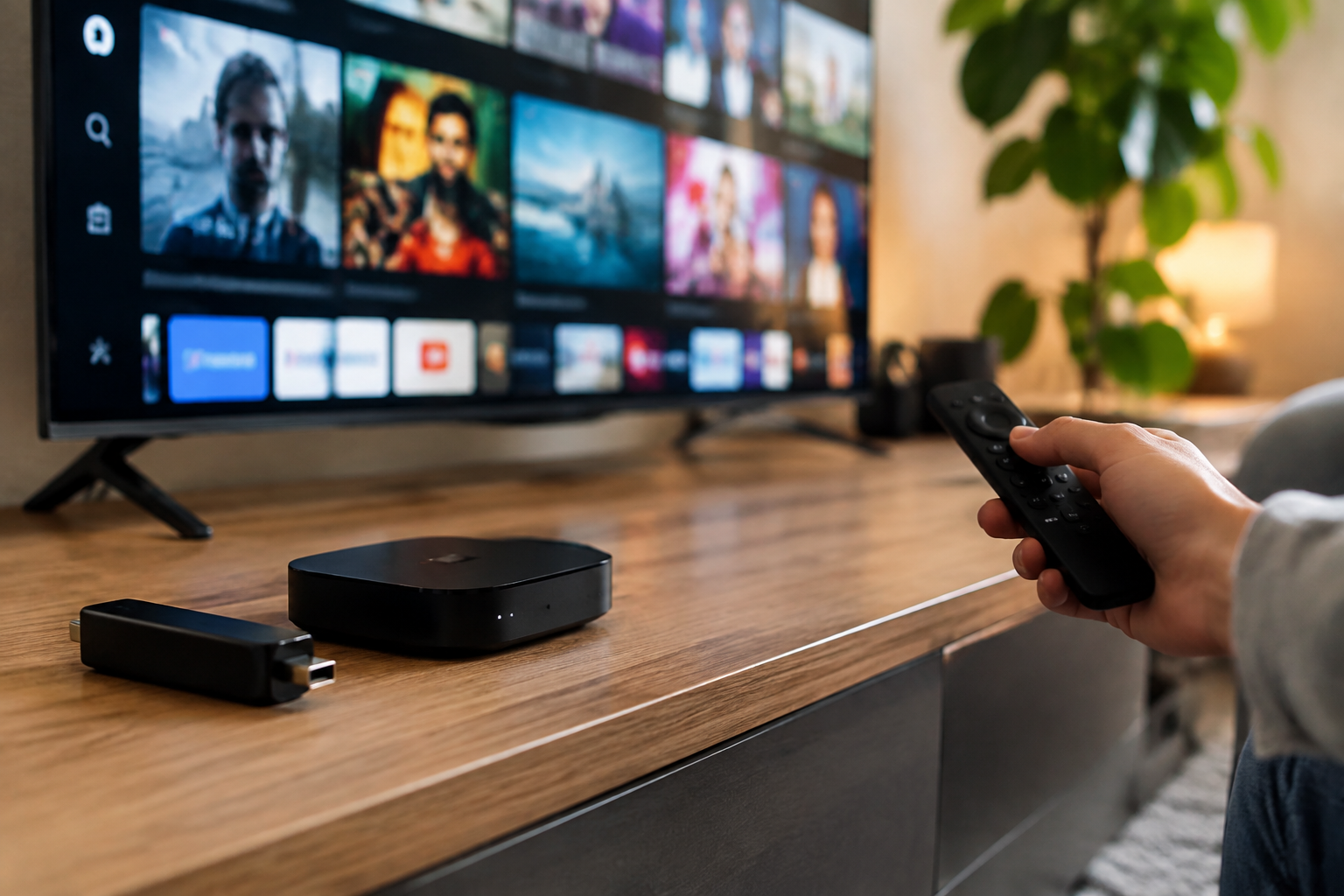
Choosing among the Best streaming devices for IPTV depends on more than video quality. Canadian viewers should also consider app compatibility, Wi-Fi performance, remote control design, operating system, privacy settings, and whether the device works with their preferred IPTV player. This comparison explains which options suit different homes, budgets, and technical comfort levels.
Best streaming devices for IPTV: quick comparison
The right device is the one that gives your IPTV application a stable platform and fits the way you watch television. Some viewers want simple plug-and-play setup, while others prefer flexible Android-based hardware that supports a wider range of applications.
| Device type | Best for | Main strengths | Points to consider |
|---|---|---|---|
| Amazon Fire TV Stick | Affordable streaming and simple installation | Compact design, familiar interface, voice remote options | Some IPTV applications may require installation outside the main app store |
| Google TV streaming device | Users who want Android TV flexibility | Google Play access, broad application compatibility, useful content search | Interface and performance vary by manufacturer and model |
| Roku streaming player | Viewers who prioritize simplicity | Clear menus, straightforward remote, easy everyday navigation | Application availability can differ from Android-based platforms |
| Apple TV | Apple households and premium hardware | Smooth interface, strong integration with Apple devices, responsive navigation | Usually costs more and may offer fewer installation options for certain IPTV apps |
| Smart TV platform | People who want no additional box or stick | One remote, fewer cables, built into the television | Performance and IPTV application support depend on the TV brand and operating system |
What to look for before buying an IPTV device
Application compatibility
Before purchasing, check whether your IPTV provider supports the device you are considering. IPTV services generally deliver access details, while a separate player may be needed to organize live channels, electronic programme guides, or video-on-demand content. The provider’s instructions should identify supported platforms.
Android TV and Google TV devices often appeal to users who want more application choice. Fire TV can also be practical, but the installation process may differ depending on the application. Roku and Apple TV can be excellent for supported apps, although their app ecosystems are managed differently.
If you are still comparing service options, the guide to IPTV services in the USA and Canada can help you evaluate provider-related considerations separately from hardware.
Streaming resolution
A device that supports your television’s resolution can help you get the most from compatible content. If you own a 4K television, look for a compatible 4K streaming model rather than assuming every stick or box provides the same output.
Resolution alone does not guarantee a better IPTV experience. The source stream, provider infrastructure, television settings, and home network all affect picture quality. A well-configured HD setup may be more reliable than a poorly connected 4K setup.
Wi-Fi and network performance
Live television is sensitive to interruptions. Place the device where it can receive a strong wireless signal, avoid unnecessary network congestion, and restart the router or streaming device when troubleshooting. If your home has weak Wi-Fi near the television, consider a device or network arrangement that supports a wired connection where practical.
For households with several simultaneous users, network capacity matters. Streaming, gaming, video calls, and large downloads can compete for bandwidth, so testing IPTV at the times you normally watch is more useful than judging performance during a quiet period.
Interface and remote control
A good IPTV device should make it easy to open your player, change channels, return to the guide, and adjust playback. A voice remote can make searches faster, but traditional buttons may be more comfortable for viewers who primarily watch live television.
Consider who will use the device. Older family members may prefer a simple home screen and fewer menus, while experienced users may value customization and additional application options.
Comparing the main device categories
Amazon Fire TV Stick
Fire TV Sticks are compact and convenient for televisions with an available HDMI port. They are often a practical choice for viewers who want a low-profile device and a familiar streaming environment. Setup typically involves connecting the stick, joining Wi-Fi, signing in, and installing compatible applications.
The main consideration is application installation. Some IPTV players may not appear in the standard store, so users should follow the provider’s legitimate setup instructions and avoid unknown applications. Our comparison of the best IPTV service options for Firestick provides additional context for this platform.
Google TV and Android TV devices
Google TV and Android TV devices are attractive for viewers who want access to a broad range of television applications. They can be a strong choice for IPTV users who prefer flexibility, customizable home screens, and support for different players.
Not every Android-based device performs identically. Check the manufacturer, available storage, remote design, operating system version, and update policy. An inexpensive model may be suitable for basic viewing, but heavier interfaces and multiple applications can make a faster device more comfortable over time.
You can also review this overview of IPTV applications for Android TV before choosing hardware.
Roku devices
Roku is well suited to viewers who value a clean interface and uncomplicated navigation. It can be a good option for a family television where ease of use matters more than extensive customization.
However, application support should be checked before buying. IPTV availability and installation methods may differ from Android TV or Fire TV. If your provider specifically recommends an Android-based player, another platform may be more suitable.
Apple TV
Apple TV is worth considering for households already using iPhone, iPad, or other Apple products. Its interface is generally responsive, and its remote supports a polished viewing experience.
It may not be the first choice for users who want to install applications from a wide variety of sources. Confirm that your IPTV provider and preferred player are available for tvOS before committing to the device.
Smart TVs with built-in applications
A smart TV eliminates the need for an external streaming stick and keeps the setup tidy. This can be convenient in bedrooms, guest rooms, or living rooms where users want one remote and fewer cables.
Built-in hardware can age differently from an external device. Application support may change, and older televisions may become slower over time. For that reason, an external streamer can be a useful upgrade even when the television itself still displays a good picture.
Best streaming devices for IPTV by user type
Best for beginners
Choose a platform with a familiar interface, clear setup instructions, and reliable support for your chosen IPTV player. A mainstream Fire TV, Google TV, Roku, or compatible smart TV can work well, provided the application is officially supported.
Best for flexible users
Android TV or Google TV is often the more flexible direction for users who want to compare different players and customize their setup. Confirm that the exact model has enough performance for smooth navigation and that it receives appropriate software updates.
Best for Apple households
Apple TV makes the most sense when your household already uses Apple devices and prefers a consistent ecosystem. Its higher purchase cost should be weighed against the convenience of integration and the availability of your IPTV application.
Best for a secondary television
A compact streaming stick can be a sensible choice for a bedroom or kitchen television. It takes up little space and can be moved or replaced more easily than a full-size set-top box.
How to set up IPTV on a streaming device
Once you have selected one of the Best streaming devices for IPTV, use a careful setup process rather than installing several unknown applications at once.
- Connect the device to an HDMI port and its power adapter.
- Complete the television, language, account, and Wi-Fi setup.
- Install an IPTV player supported by your provider.
- Enter the login details, playlist, or portal information supplied by the provider.
- Test live channels, the guide, and on-demand sections separately.
- Update the device and application through official settings when updates are available.
Keep your provider credentials private and avoid services or applications that promise access to content without clear rights. IPTV is a delivery method; the legality of a particular service depends on whether it has permission to distribute the programming.
For a broader explanation of the technology, read how IPTV works. It can make the difference between choosing a device problem and identifying an issue with the service or network.
Common mistakes to avoid
- Buying based only on price: A very low-cost device may have limited storage, slower performance, or restricted application support.
- Ignoring the operating system: The television platform determines which IPTV players are available and how they are installed.
- Overlooking Wi-Fi: A powerful device cannot compensate for an unstable connection.
- Using unofficial applications without checking them: Unknown software can create privacy and security risks.
- Assuming every IPTV service works everywhere: Confirm compatibility with the exact device before subscribing.
- Forgetting the remote: A technically capable device may still be frustrating if the controls are difficult for your household.
Are the Best streaming devices for IPTV different from regular streaming devices?
The hardware is often similar, but IPTV places extra importance on application compatibility, live-channel navigation, playlist support, and guide performance. A device that works well for on-demand platforms may not support your preferred IPTV player, so compatibility should be checked first.
FAQ
Can I use IPTV directly on a smart TV?
Possibly. It depends on the television’s operating system, the IPTV provider, and the player used by the service. If the required application is unavailable or the TV feels slow, an external streaming device may provide a better experience.
Is a streaming stick enough for IPTV?
A streaming stick can be enough for standard viewing when the application is supported and the home network is stable. Users with several applications, demanding interfaces, or a high-resolution television may prefer a faster streaming box.
Should I choose Android TV or Fire TV?
Choose based on the IPTV application recommended by your provider. Android TV may offer broader flexibility, while Fire TV can be convenient for users who already know its interface. Check the exact installation instructions before purchasing.
Do I need a VPN for IPTV in Canada?
A VPN is not automatically required for every IPTV setup. It may be considered for privacy or network-management reasons, but it can also affect speed and application behaviour. Evaluate your own needs and use a reputable service if you choose one. This VPN guide for IPTV users in Canada and the US explains the main considerations.
Conclusion
The Best streaming devices for IPTV are not identical for every Canadian household. Fire TV suits users who want a compact and familiar stick, Google TV or Android TV offers flexibility, Roku emphasizes simplicity, Apple TV fits Apple-focused homes, and smart TVs keep the setup minimal.
Before buying, verify IPTV application support, assess your Wi-Fi connection, consider who will use the remote, and choose hardware that matches your television. Making those checks first will help you select a dependable device instead of choosing based only on brand or appearance.