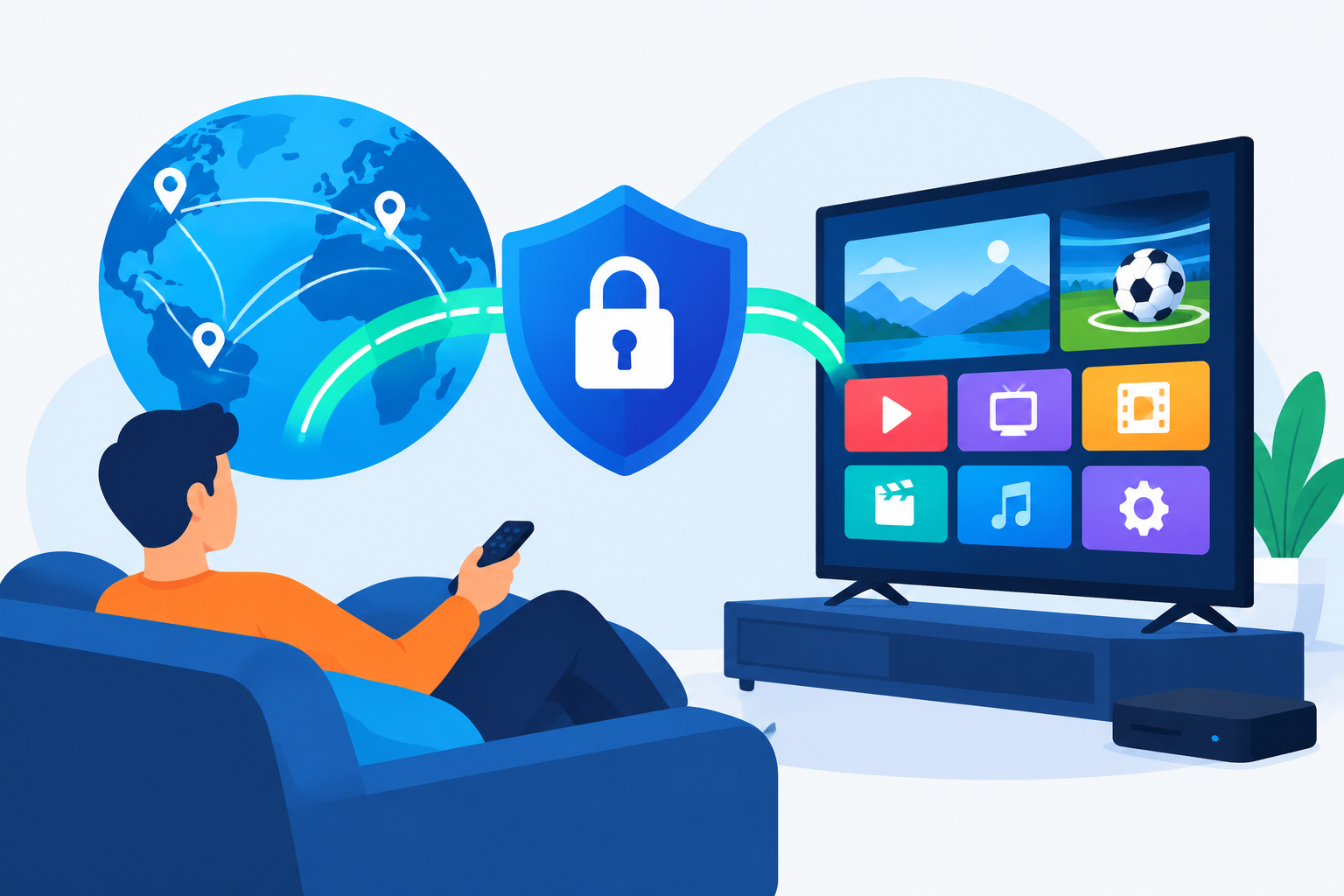
VPN for IPTV: Do You Really Need One in the US or Canada? The short answer is: sometimes, but not always. A VPN can improve privacy, help with certain network restrictions, and let you connect through a different region. However, it cannot fix poor IPTV service quality, replace a legitimate subscription, or make unauthorized streaming legal.
VPN for IPTV: Do You Really Need One in the US or Canada?
Whether you need a VPN depends on how you use IPTV, which service you subscribe to, your internet provider, and the device you use. IPTV is simply television delivered over an internet connection. The technology itself is not automatically legal or illegal; legality depends largely on whether the provider has the rights to distribute its channels and content.
For viewers in the United States and Canada, a VPN is usually an optional privacy and access tool rather than a basic IPTV requirement. Many legitimate streaming platforms work normally without one. Some IPTV services may even perform better without a VPN because your connection takes a more direct route to the provider’s servers.
What a VPN actually does for IPTV
It encrypts your connection
A VPN creates an encrypted connection between your device and a VPN server. This can reduce the amount of browsing information visible to your local network, such as a public Wi-Fi operator or another person using the same connection.
Encryption does not make you anonymous, and it does not hide activity from every service you use. The VPN provider can still process connection information, so choosing a provider with clear privacy practices matters.
It changes your apparent IP address
When you connect to a VPN server, websites and apps may see the server’s IP address instead of the IP address supplied by your home internet provider. This can be useful when a service is available only in a particular region, although streaming platforms often detect and block known VPN addresses.
It may help with network restrictions
Some networks restrict certain types of traffic or apply different traffic-management rules. A VPN can sometimes bypass local network restrictions, but it cannot guarantee faster streaming. If the VPN server is overloaded or far away, video quality may become worse.
When using a VPN for IPTV makes sense
You regularly use public or shared Wi-Fi
If you watch IPTV through hotel Wi-Fi, student housing, a shared apartment network, or another public connection, a VPN can add privacy while your device communicates with online services. For the best protection, use a trusted VPN application and avoid entering sensitive information on unfamiliar networks unless the connection is secured.
Your network blocks or interferes with the service
Some workplaces, schools, hotels, and managed residential networks restrict streaming traffic. If IPTV works on your mobile connection but not on a particular Wi-Fi network, the network may be responsible. A VPN can help identify whether routing or local filtering is the problem.
Do not assume that every playback failure is caused by blocking. First test the service on another permitted network, restart your router, and check whether other apps can stream normally.
You need to test regional availability
Content rights differ between the United States and Canada. A channel, sports event, or on-demand program may be available in one country but not the other. A VPN may show a different location to some services, but using one to bypass a platform’s terms can lead to errors, blocked playback, or account restrictions.
For sports fans, it is often better to compare official broadcasters and legal streaming options before changing VPN locations. This guide to watching live sports without cable in the USA and Canada can help you evaluate alternatives.
You want an additional layer of privacy at home
Some households use a VPN on a compatible router or streaming device to reduce exposure of their general browsing activity to the local network. This is a personal privacy choice, not an IPTV requirement. You should still review the VPN provider’s logging policy and understand which devices are covered.
When you probably do not need a VPN
VPN for IPTV: Do You Really Need One in the US or Canada? If you use a legitimate IPTV or streaming service, watch from your normal home connection, and experience stable playback, there may be no practical reason to add a VPN.
A VPN may be unnecessary when:
- Your IPTV provider works reliably without one.
- You do not use public Wi-Fi for streaming.
- You are not troubleshooting network restrictions.
- You are watching content available in your country through an authorized service.
- Your priority is the lowest possible latency for live sports or interactive content.
Adding a VPN introduces another connection between your device and the streaming service. That extra step can increase latency, reduce available speed, or cause an app to reject the connection. If your current setup works well, test the service without a VPN before deciding that one is necessary.
Can a VPN improve IPTV streaming quality?
Usually, a VPN should not be treated as a speed-boosting tool. Video quality depends on the IPTV provider’s server capacity, your internet connection, Wi-Fi conditions, device performance, and the quality of the stream itself.
In some cases, routing through a nearby VPN server can produce more consistent playback if the normal route is unstable. In other cases, the VPN creates a slower route. The only reliable way to know is to compare the same channel at the same time with the VPN switched off and then connected to a nearby server.
Simple streaming tests
- Record the channel, time, device, and connection you are testing.
- Play the same stream without the VPN for several minutes.
- Note buffering, resolution changes, audio delays, and disconnections.
- Connect to a nearby VPN server and repeat the test.
- Try a second nearby server if the first one performs poorly.
- Keep the setting that provides the most stable result, not simply the highest speed-test number.
For troubleshooting, also connect your streaming device to the router with Ethernet if possible. If that is not practical, use a strong 5 GHz Wi-Fi connection when the device and router support it.
How to choose a VPN for IPTV use
VPN for IPTV: Do You Really Need One in the US or Canada? If you decide to use one, focus on reliability and device compatibility instead of marketing claims about unlimited speed.
Check device support
Confirm that the VPN supports the device where you watch IPTV. Common setups include Android TV, Google TV, Fire TV, phones, tablets, computers, and routers. Android TV users can review the official Android TV platform information to understand the type of device environment they are using.
If you watch through a smart TV app, the VPN may need to run on the TV itself or on your router. Installing a VPN on your phone does not automatically protect a separate television on the same home network.
Look for nearby servers
For viewers in the US and Canada, servers geographically close to your location will often be a sensible starting point. A user in Toronto might test Canadian servers first, while a user in Seattle might compare nearby US and Canadian locations. The closest server is not always the fastest, so testing is important.
Review connection limits
Check how many devices can connect at the same time. A household may want to protect a television, streaming stick, phone, and laptop simultaneously. A router installation can cover more devices, but it may require additional setup and can make troubleshooting more complicated.
Understand privacy and cancellation terms
Before subscribing, read the provider’s privacy documentation, supported protocols, device limits, and cancellation terms. Avoid services that make absolute promises about anonymity or guaranteed access to every streaming platform.
How to set up a VPN with an IPTV device
VPN for IPTV: Do You Really Need One in the US or Canada? If your answer is yes, start with the simplest setup that matches your device rather than configuring a router immediately.
Option 1: Install the VPN app on the streaming device
- Open the official app store on your Android TV, Google TV, or Fire TV device.
- Search for your VPN provider’s official application.
- Install the app and sign in.
- Choose a nearby server.
- Connect to the VPN before opening the IPTV app.
- Test a live channel and check whether playback remains stable.
For Fire TV users, this Firestick IPTV setup guide explains the device-side process. If you are still choosing an application, compare compatible options in this guide to the best IPTV apps for Android TV.
Option 2: Install the VPN on your router
A VPN-enabled router can protect multiple devices without requiring a separate app on each one. However, not every router supports VPN clients, and router configuration varies by manufacturer. This approach can also route non-streaming devices through the VPN, so consider whether that is appropriate for your household.
Option 3: Use a computer as a hotspot
Some computers can share a VPN-protected connection with another device. This can be useful for testing, but it is less convenient for everyday television viewing because the computer generally needs to remain powered on and connected.
Legal and account considerations in the US and Canada
A VPN is a privacy tool, not a license to access copyrighted programming. IPTV users should choose providers that have permission to distribute the channels and programs they offer. A VPN does not change the rights attached to a broadcast or override the terms of a streaming platform.
Before subscribing, check the provider’s channel descriptions, billing information, support details, refund conditions, and service terms. Be cautious with services that offer an unusually large number of premium channels without clearly explaining their licensing or business identity.
It is also important to distinguish between accessing your own subscription while traveling and deliberately bypassing a service’s regional rules. Read the platform’s terms and use the service in a way that respects applicable laws and account policies in your location.
Common VPN and IPTV problems
The IPTV app stops loading
Disconnect from the VPN and test the app again. If it works normally, the service may block the VPN server or reject its IP address. Trying another permitted server may help, but repeated switching is not a substitute for a compatible, authorized service.
Video buffers more often
Choose a closer server, switch from Wi-Fi to Ethernet, close other high-bandwidth apps, and lower the stream quality if the IPTV app provides that option. If performance is still worse with the VPN, leave it disconnected for that service.
The app shows the wrong region
Some apps use more than an IP address to determine location. Device settings, account details, payment country, GPS data, and stored cookies may also matter. A VPN alone may not change the region shown by an app.
The VPN disconnects during a live event
Enable the VPN’s kill-switch feature only if you understand how it works. A kill switch may stop internet traffic when the VPN drops, which can protect privacy but also interrupt playback. Test the behavior before relying on it for live television.
FAQ about VPN use with IPTV
Is VPN for IPTV: Do You Really Need One in the US or Canada? a yes-or-no question?
No. VPN for IPTV: Do You Really Need One in the US or Canada? depends on your privacy preferences, network conditions, device setup, and the terms of the service you use. A stable, authorized service may work perfectly without a VPN.
Will a VPN make every IPTV service work?
No. A VPN cannot repair an overloaded provider, invalid playlist, incompatible application, weak Wi-Fi signal, or a service that has stopped operating. It may also be blocked by some streaming platforms.
Should I use a US or Canadian VPN server?
Start with a nearby server in your own country and compare performance. If you are traveling, use only locations and services permitted by the relevant platform’s terms. A different server location does not guarantee access to region-restricted content.
Can I use a VPN on a smart TV?
That depends on the TV’s operating system and the VPN provider’s supported applications. If the TV does not support a VPN app, you may be able to use a compatible streaming device or configure the VPN on a supported router.
Conclusion
VPN for IPTV: Do You Really Need One in the US or Canada? For most viewers, it is optional. Use one when you value extra privacy on shared networks, need to troubleshoot a network restriction, or want to test a compatible setup. Skip it when it causes buffering, adds complexity, or provides no clear benefit.
The best approach is practical: use an authorized IPTV service, test your connection with and without the VPN, choose a nearby server, and confirm that your device and app support the configuration. A VPN should improve your overall setup, not become another source of streaming problems.