Finding the Best IPTV service for Firestick requires more than choosing the provider with the longest channel list. USA viewers should compare streaming reliability, content availability, device compatibility, customer support, pricing terms, and whether the service has the legal rights to distribute its programming. This guide explains what to compare before subscribing and how to test an IPTV service on an Amazon Fire TV device.
Best IPTV service for Firestick: What Should You Compare?
IPTV services deliver television content over an internet connection instead of through traditional cable, satellite, or antenna signals. The experience can vary significantly between providers, even when two services advertise similar channel categories.
When comparing the Best IPTV service for Firestick, focus on the complete viewing experience rather than a single feature. A large channel list is not useful if streams regularly buffer, the app is difficult to navigate, or customer support does not respond when you need help.
| Comparison factor | What to check | Why it matters |
|---|---|---|
| Firestick compatibility | Supported Fire TV models, app compatibility, and installation instructions | Ensures the service works with your specific device |
| Streaming stability | Playback consistency during regular viewing and busy periods | Reduces buffering, interruptions, and failed channel loads |
| Content selection | News, entertainment, movies, sports, local programming, and international content | Helps you avoid paying for channels you will not watch |
| Video quality | Available resolutions and whether quality changes based on the stream | Supports a better experience on modern televisions |
| Electronic program guide | Guide layout, schedule accuracy, and search options | Makes live television easier to browse |
| Support and setup | Documentation, contact options, and troubleshooting help | Useful when credentials, playlists, or apps need attention |
| Terms and payment | Renewal conditions, cancellation rules, trial terms, and accepted payment methods | Helps prevent unexpected charges or unclear commitments |
How Firestick Compatibility Affects Your Choice
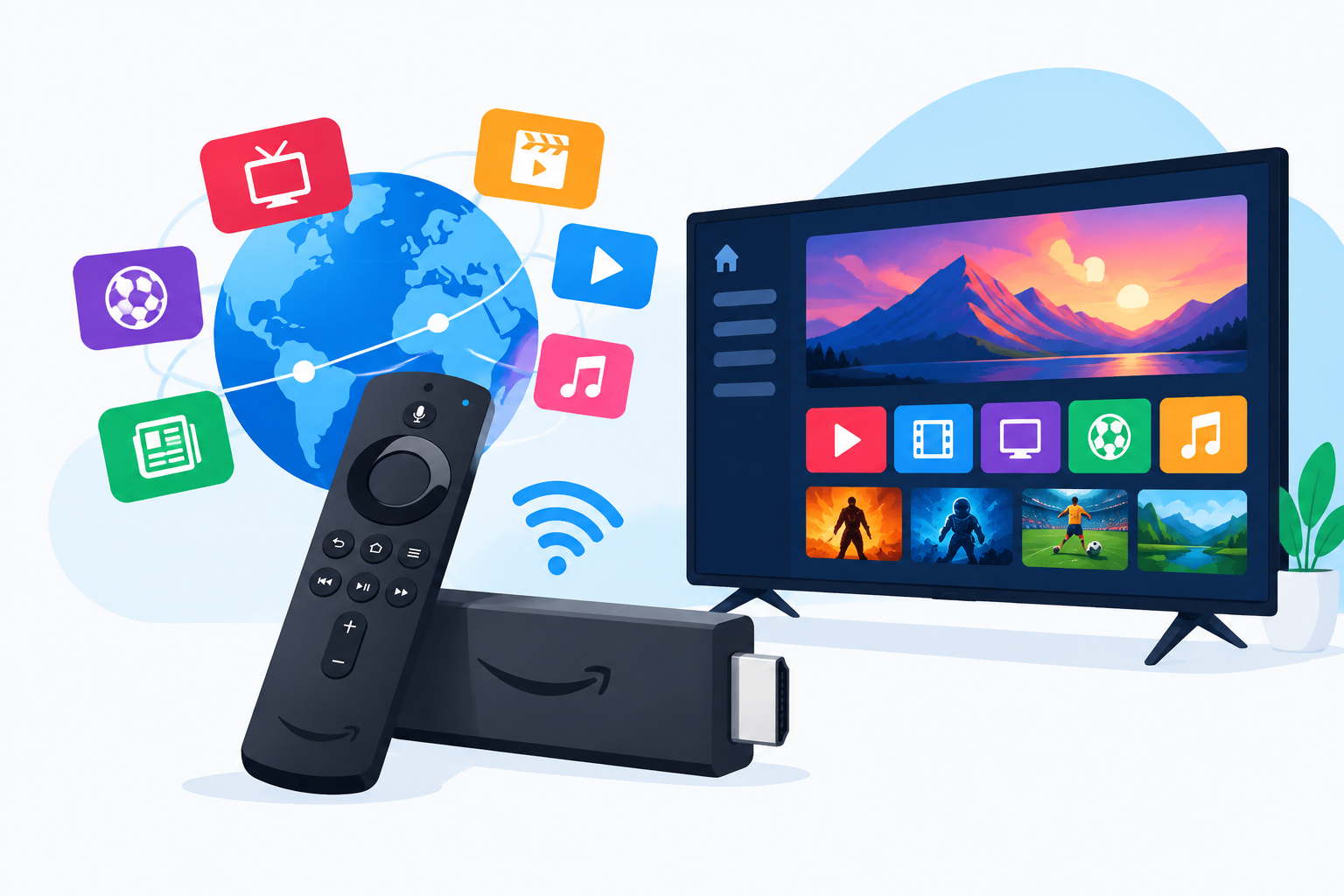
Amazon Fire TV devices are popular because they connect directly to a television and support streaming applications. However, not every IPTV service uses the same delivery method. Some provide a dedicated application, while others require a compatible IPTV player and login details, such as a playlist or portal address.
Before subscribing, confirm whether the provider gives clear Firestick instructions. Check if the instructions identify the required app, explain how to enter your credentials, and cover common playback issues. You can also review this practical guide on how to set up IPTV on Firestick before making a purchase.
For official information about Amazon’s television platform and supported Fire TV products, consult the official Fire TV page from Amazon. Your Firestick model, available storage, internet connection, and television settings can all affect the final result.
Dedicated app or third-party player?
A dedicated app may be simpler because the provider controls the interface and setup instructions. A third-party player can offer additional organization features, but you may need to configure the service manually. Neither option is automatically better; the important point is whether the instructions are current and easy to follow.
Be cautious if a provider asks you to install unfamiliar software from an unverified source or requests unnecessary personal information. Use reputable apps, keep your Firestick updated, and avoid sharing account credentials outside the provider’s official support process.
Comparing Channel Selection for USA Viewers
Channel quantity should not be the main deciding factor. Providers may organize content differently, and advertised categories do not always tell you whether the specific channels you watch are available or reliable.
Make a personal channel checklist before comparing plans. For example, a household in the USA might prioritize:
- National news and weather channels
- Local programming where available
- Entertainment and lifestyle networks
- Movie channels or on-demand content
- Sports networks and event coverage
- Children’s programming and parental controls
- International channels for family members or multilingual viewing
Sports viewers should be especially careful. A service may list sports as a category without guaranteeing every league, game, regional broadcast, or pay-per-view event. If live sports are important, compare the exact competitions and channels you need instead of relying on general promises. This guide to watching live sports without cable in the USA and Canada can help you evaluate alternatives and viewing requirements.
Streaming Quality, Buffering, and Reliability
Buffering can result from several factors, including the provider’s streaming infrastructure, network congestion, Wi-Fi strength, device performance, and the quality of a particular stream. A fast home internet plan alone cannot guarantee uninterrupted IPTV playback.
When testing the Best IPTV service for Firestick, check several types of content at different times of day. Test live television, high-demand channels, on-demand titles, and any category you expect to use regularly. Note whether streams start quickly, maintain a stable picture, and recover properly after a temporary connection issue.
Simple Firestick performance checks
- Place the Firestick where it receives a strong and consistent Wi-Fi signal.
- Restart the device before troubleshooting a persistent playback problem.
- Close unused applications to free system resources.
- Install available Fire TV software and app updates.
- Test the same stream on another network or device when possible.
- Compare multiple channels before deciding that the entire service is unreliable.
Ethernet connectivity may provide a more stable connection than Wi-Fi when your television setup supports a suitable adapter. If several devices are using the network at the same time, video calls, downloads, and gaming can also affect playback.
Pricing, Trials, and Subscription Terms
The lowest advertised price is not necessarily the best value. Compare what each plan includes, how long access lasts, whether the plan renews automatically, and what happens if you cancel. A short-term plan may be useful for testing, while a longer commitment can create unnecessary risk if the service does not meet your expectations.
Read the provider’s terms before entering payment information. Look for clear details about refunds, trial limits, renewal dates, supported payment methods, and account sharing. A service that explains its conditions clearly is easier to evaluate than one that relies on vague promises.
Before subscribing, review this guide to what to look for in an IPTV free trial. A trial should be used to test the channels and features that matter to your household, not just to confirm that the app opens.
Questions to ask before paying
- Does the plan support the Firestick model I use?
- Are the channels I watch specifically listed?
- Is the subscription recurring or one-time?
- Can I cancel, and are refund terms clearly explained?
- What support is available if my login or stream stops working?
- Does the provider explain its content licensing and distribution rights?
Legal and Safety Considerations
IPTV technology itself is legal, but the legality of a service depends on the content it distributes and whether it has the necessary rights. Avoid services that advertise premium channels, movies, or live events at implausibly low prices without explaining how the content is licensed.
Use official provider information and legitimate streaming platforms whenever possible. Do not use a service to access content you are not authorized to watch, and do not assume that an app’s availability in an app store confirms that every stream offered through it is authorized.
Protect your account by using a unique password, limiting the personal information you provide, and checking your payment statements for unexpected renewals. A virtual private network does not make unauthorized streaming legal, so it should not be treated as a substitute for choosing a legitimate provider.
How to Test the Best IPTV service for Firestick Before Committing
The most reliable comparison method is a structured trial. Instead of watching one channel for a few minutes, use the service as you would during a normal week.
- Install the recommended application or player on your Firestick.
- Confirm that your main channel categories load correctly.
- Test live television at different times of day.
- Open the program guide and check whether schedules are understandable.
- Try search, favorites, replay, or on-demand features if included.
- Measure how quickly the service responds when changing channels.
- Contact support with a basic question and assess the response quality.
- Review the billing terms before the trial or subscription period ends.
Keep brief notes during the test. Record buffering frequency, missing channels, audio or subtitle issues, guide accuracy, and the ease of contacting support. This makes it easier to compare two services objectively instead of choosing based on promotional language.
Common Mistakes to Avoid When Choosing IPTV
Many subscription problems come from making a decision too quickly. Avoid these common mistakes when searching for the Best IPTV service for Firestick:
- Choosing a plan solely because it claims to offer the most channels
- Paying for a long subscription before testing performance
- Ignoring renewal and cancellation terms
- Assuming every advertised sports event is included
- Using an outdated installation guide
- Blaming the provider without checking Wi-Fi and device performance
- Installing unknown applications from untrusted sources
- Failing to confirm that the service is authorized to distribute its content
It is also worth checking the provider’s documentation before purchase. The IPTV FAQ and support information can help you understand common terminology, setup requirements, and troubleshooting considerations.
Frequently Asked Questions
What is the Best IPTV service for Firestick for every household?
There is no single choice that fits every household. The right service depends on the channels you watch, your location in the USA, your internet setup, your preferred features, and the provider’s licensing and support practices. Compare those factors instead of relying on channel-count claims.
Can I use any IPTV service on a Firestick?
No. Compatibility depends on the provider’s application, the IPTV player it supports, and the Firestick model. Confirm the installation method and required credentials before subscribing.
How can I reduce IPTV buffering on Firestick?
Start by checking Wi-Fi strength, restarting the device, closing unused apps, and installing updates. If possible, test a wired connection or another network. Persistent problems across several channels may indicate an issue with the service itself.
Should I choose a monthly or longer IPTV plan?
A monthly plan or legitimate trial generally provides more flexibility while you evaluate performance, channel availability, support, and billing terms. Consider a longer plan only after the service has met your needs and its cancellation conditions are clear.
Conclusion
Choosing the Best IPTV service for Firestick is a comparison exercise, not a race to find the biggest channel list. Test real viewing conditions, confirm Firestick compatibility, examine support and billing policies, and verify that the provider has the rights to distribute its content. A careful trial and a personal channel checklist can help USA viewers choose a service that is reliable, practical, and suitable for their household.