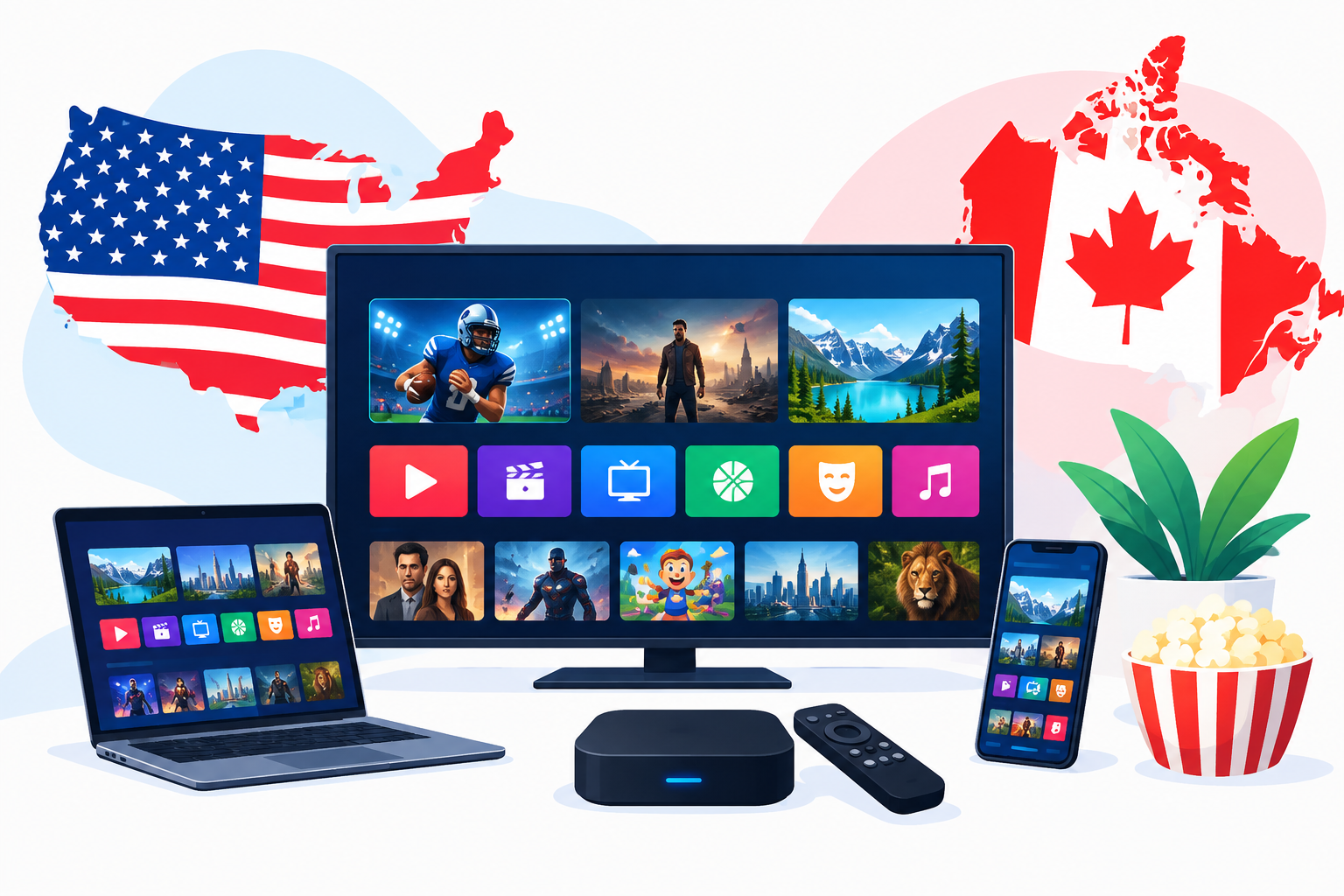
Choosing a reliable internet television provider requires more than comparing channel counts. This The Ultimate Guide to the Best IPTV Service in the USA & Canada (2026) explains how IPTV works, what to check before subscribing, how to compare services, and how to set up a practical viewing experience on common devices.
The Ultimate Guide to the Best IPTV Service in the USA & Canada (2026)
IPTV delivers television programming through an internet connection instead of a traditional cable, satellite, or antenna signal. Depending on the provider, a subscription may include live channels, video-on-demand content, replay features, and support for devices such as smart TVs, streaming sticks, Android TV boxes, phones, tablets, and computers.
The best choice is not necessarily the service with the longest channel list. A better option should match your location, preferred content, internet connection, devices, budget, and expectations for customer support.
What to Look for in an IPTV Service
Channel availability in the USA and Canada
Start by checking whether the service offers the channels you actually watch. A useful channel lineup may include local networks, national news, entertainment, movies, sports, and regional programming. Canadian viewers may also want French-language channels, while US viewers may prioritize local market coverage and national sports networks.
- Confirm that your preferred channels are available in your country.
- Look for regional or local channel availability rather than relying only on a total channel number.
- Check whether sports, news, children’s programming, and international channels are included.
- Review the channel list before paying for a long-term plan.
Video quality and streaming stability
Picture quality is important, but stability matters just as much. A service that offers high-resolution streams is not useful if channels frequently buffer, disconnect, or load slowly during busy viewing periods.
Test the service at different times of day when possible. Pay attention to channel loading speed, audio synchronization, stream changes, and whether the electronic program guide updates correctly. A wired Ethernet connection or strong Wi-Fi signal can also improve performance.
Device compatibility
Before subscribing, confirm that the provider works with your preferred equipment. Common options include Samsung and LG smart TVs, Android TV devices, Google TV, Amazon Fire TV, Apple devices, smartphones, tablets, and computers. You can review Digi4Smart’s guidance on IPTV apps for Android TV if Android-based streaming is part of your setup.
Compatibility usually depends on both the service and the player application. Some providers supply an app, while others provide login details or a playlist that must be entered into a compatible player. For Google TV users, the official Google TV platform is a useful reference for understanding the type of device environment involved.
How to Compare IPTV Providers Before Subscribing
Trial access and refund policies
A short trial can help you evaluate channel availability, stream performance, device compatibility, and support response time. Use the trial to test the channels you genuinely watch instead of checking only a few popular stations.
Read the terms carefully before entering payment information. Confirm the trial duration, renewal conditions, cancellation process, refund rules, and whether the subscription renews automatically. Digi4Smart’s guide to an IPTV free trial covers practical checks to make before subscribing.
Pricing and subscription flexibility
Compare the total cost rather than focusing only on a monthly figure. A lower price may come with fewer features, limited support, fewer simultaneous connections, or a shorter content selection. A longer plan may reduce the average monthly cost, but it also creates more risk if the service does not meet your expectations.
Review the available IPTV subscription plans and consider starting with the shortest practical commitment. This approach gives you time to assess reliability before choosing a longer billing period.
Customer support
Responsive support is especially important during installation and account activation. Look for clear contact options, setup instructions, troubleshooting information, and reasonable response times. Be cautious if a provider gives vague answers about supported devices, payment terms, or cancellation.
Legal and Privacy Considerations
IPTV technology itself is legal, but the rights to distribute specific programs and channels vary by provider and location. Before subscribing, confirm that the service has the appropriate authorization to offer the content it advertises in the USA or Canada.
Avoid services that promise every premium channel, pay-per-view event, and international network for an unrealistically low fee without explaining their licensing. Do not share passwords, payment details, or identification documents unless you understand who operates the service and how your information is handled.
A VPN is not a substitute for content licensing or a way to make an unauthorized service legal. It may be relevant for privacy or network management in some situations, but users should understand its purpose and limitations. Read more about VPN use with IPTV in the US and Canada before making a decision.
Setting Up IPTV at Home
Basic setup checklist
- Verify that your internet connection is stable and that your device is updated.
- Install the provider’s recommended application or a compatible media player.
- Enter the login credentials, playlist address, or activation details supplied by the provider.
- Allow the channel list and program guide to load fully.
- Test several live channels, on-demand titles, subtitles, audio options, and playback controls.
- Secure your account with a strong, unique password.
Improving streaming performance
- Place the streaming device near the Wi-Fi router or use Ethernet where practical.
- Reduce heavy downloads and other high-bandwidth activity during live viewing.
- Restart the app and device if the guide or channel list stops updating.
- Keep the operating system and streaming application current.
- Test another network only for troubleshooting, not to bypass licensing restrictions.
For Fire TV users, installation steps may differ from those used on Android TV or a smart television. Follow device-specific instructions and avoid installing applications from unknown sources unless you understand the security implications.
Choosing IPTV for Different Viewing Needs
For sports fans
Sports viewers should check event availability, regional restrictions, replay options, and stream reliability during major games. A large general channel list does not guarantee access to a particular league or event. Compare the service with legitimate sports options and confirm the terms for live programming in your location.
For families
Families may need multiple profiles, parental controls, subtitles, language options, and support for more than one device. Check how many simultaneous streams are allowed and whether using the same account in different locations is permitted.
For Canadian viewers
Canadian households should pay attention to regional channel coverage, French-language programming, time zones, and compatibility with their smart TV. A provider serving the United States may not offer the same local or Canadian content as a service designed for the Canadian market.
For apartment and rural users
Internet quality can vary significantly between buildings, neighborhoods, and rural areas. If your connection is inconsistent, choose a service with a practical trial period and test it during the hours when your household normally watches television.
Common IPTV Mistakes to Avoid
- Choosing a provider only because it advertises the largest channel list.
- Paying for a long-term plan without testing the service first.
- Ignoring local channel and regional sports availability.
- Assuming every smart TV supports every IPTV application.
- Using shared or recycled passwords across multiple services.
- Failing to read automatic renewal and cancellation terms.
- Trusting promises that appear unrealistic or provide no clear licensing information.
Frequently Asked Questions
What is the best IPTV service for everyone?
There is no single service that is best for every household. The right option depends on your location, desired channels, device compatibility, budget, streaming reliability, and comfort with the provider’s terms.
Is IPTV legal in the USA and Canada?
IPTV technology is legal, but the provider must have the right to distribute its programming. Check the service’s terms and avoid providers that cannot clearly explain their content rights.
How fast should my internet connection be for IPTV?
The required connection depends on video quality, household usage, and network stability. A consistent connection is more important than a speed claim alone, so test the service on your actual home network and during normal viewing times.
How can I use The Ultimate Guide to the Best IPTV Service in the USA & Canada (2026) when comparing plans?
Use it as a checklist: verify content rights, channel availability, device support, trial terms, pricing, customer support, privacy practices, and real-world stream performance before committing.
Conclusion
The Ultimate Guide to the Best IPTV Service in the USA & Canada (2026) comes down to careful comparison rather than impressive advertising. Test the channels you watch, confirm compatibility with your devices, review the payment and cancellation terms, and choose a provider that clearly explains its service and content rights.
Starting with a short trial and a practical setup is usually the safest way to evaluate performance. Once the service proves reliable on your home network, you can decide whether its features and cost make sense for your household.